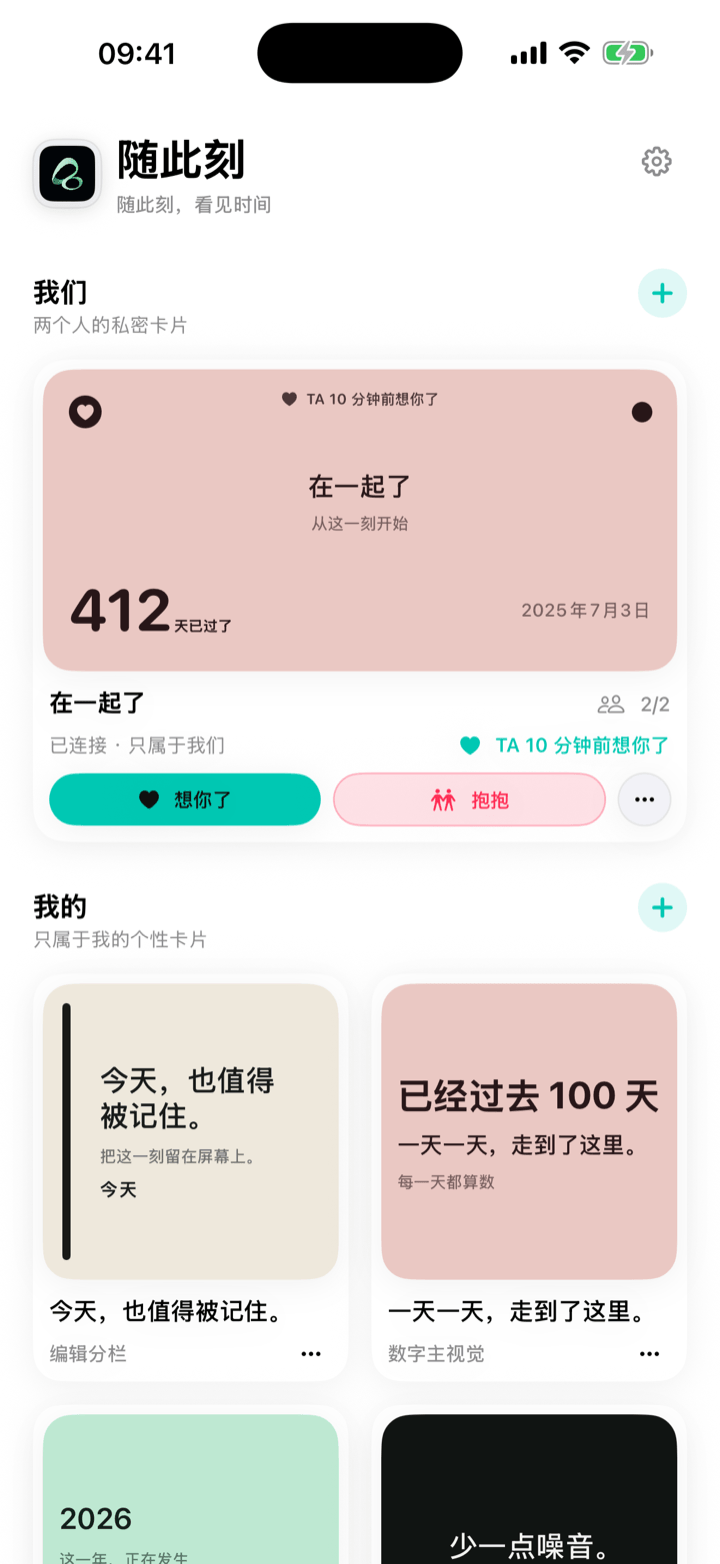
How long have we been together? Sometimes the answer is simply 428 days. It is not a score, and it does not need a big anniversary to matter. It is a small way to notice the time you have shared.
Want the number first? Use the free Relationship Days Calculator to enter your start date and see both the elapsed days and which day of your relationship today is. It runs locally in your browser.
Watch the short video: Together · 428 Days
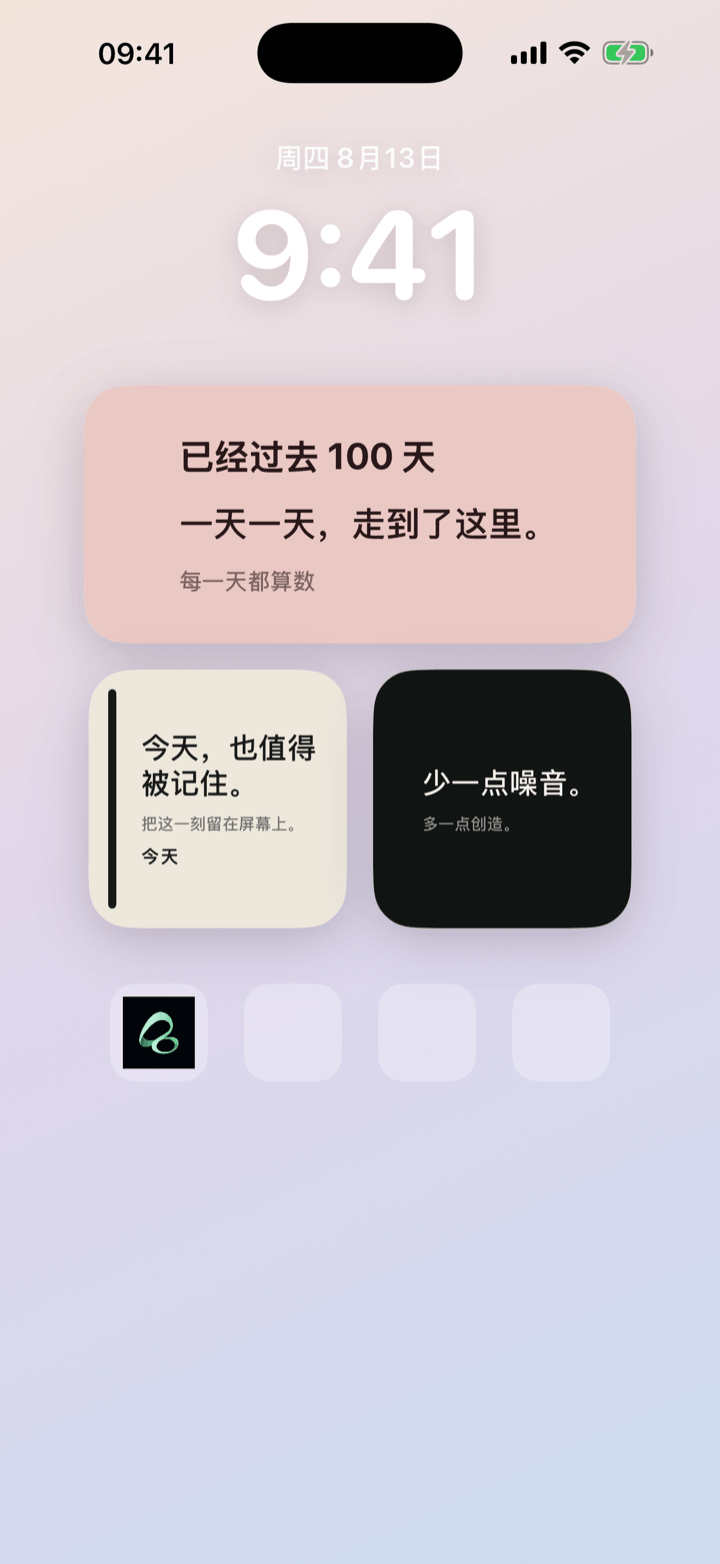
Turn your relationship start date into a Home Screen widget
An iPhone relationship day counter widget keeps one date visible without asking you to open a calendar or remember the number yourself. In Flowment, create a count-up card from the day you started being together. The total updates as time passes.
- Create a personal card, or start a shared moment if both of you want to use it.
- Choose a count-up and select the date your relationship began.
- Add a short line, such as “Together”, “Since our first day”, or a phrase that is yours.
- Save the card, add a Flowment widget to your iPhone Home Screen, and select it.
The result can be as quiet as “Together · 428 Days”. You do not need to explain the whole story for the number to mean something.
Count the days together, not the pressure
An anniversary widget works best as a gentle marker, not a daily test. Choose one date that feels right to both of you. It could be the day you first met, the day you decided to be together, or another beginning you share.
There is no universally correct start date. What matters is that the card reflects your relationship rather than a rule someone else made for it.
If the other person does not want another app or a shared card, keep it personal. A relationship day counter can still live only on your own Home Screen. If you both want to see and update the same moment, use a shared moment and send an invite.
Why put the number on your Home Screen?
Calendars are useful for appointments. A Home Screen widget is better for a small reminder you want to meet naturally during the day. The number is there when you unlock your phone—not to demand attention, but to make the time you are already living a little more visible.
Use a count-up for days together. If you are waiting for the next visit, a birthday, or an anniversary, make a separate countdown card instead. Keeping those two ideas separate makes each card easier to understand at a glance.
For the full choice between counting up, counting down, and sharing a card, read Couple anniversary widget: count up or down?.
Keep the moment in sight