/ field notes
Guides
Put the moments that matter where you can see them every day—start with a card.
countdown
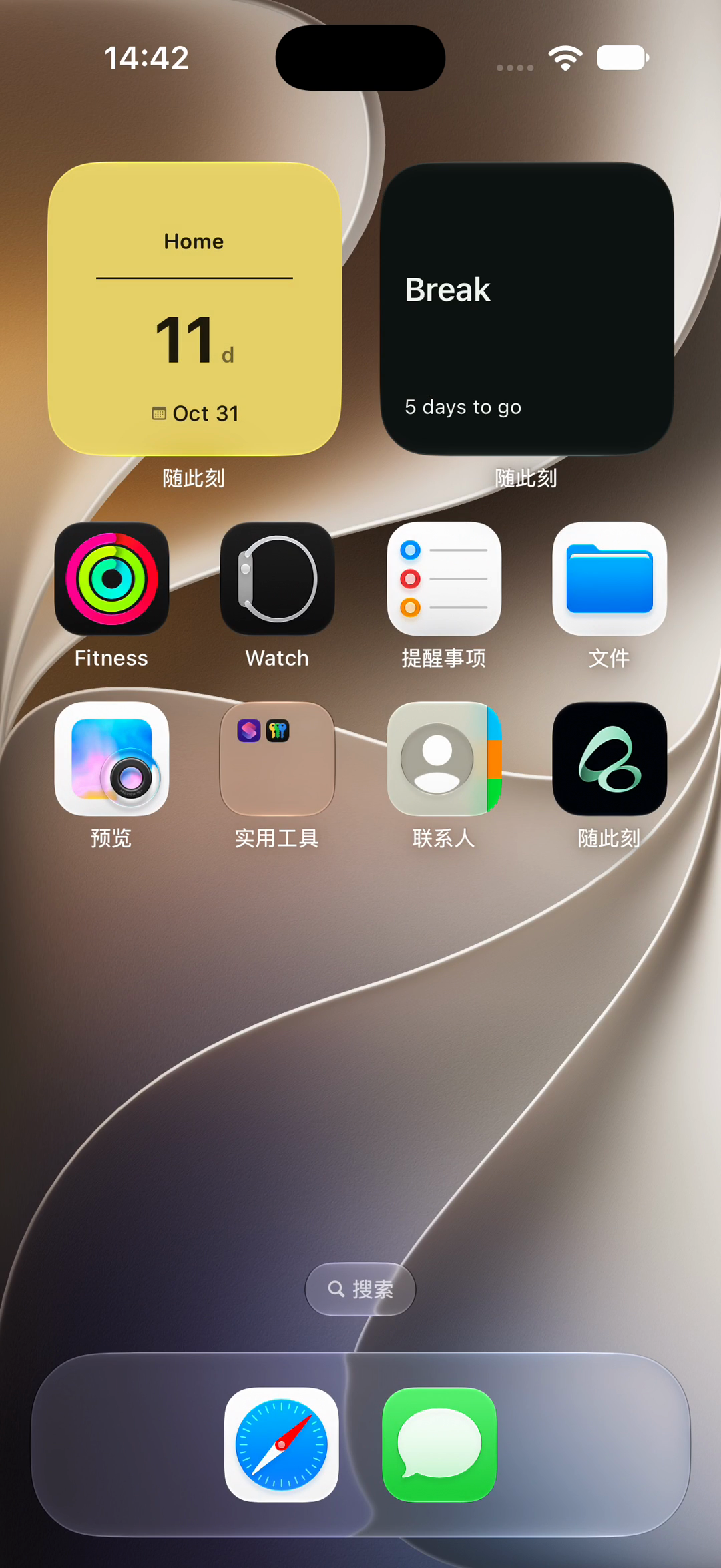
How to Add Multiple Countdown Widgets on iPhone
Set up multiple iPhone countdown widgets with different dates in Flowment. Choose a card for each widget and fix duplicate countdowns.
Read guide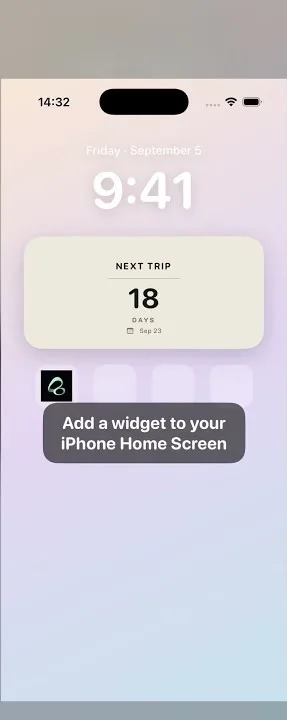
widget-setup
How to Add a Widget to Your iPhone Home Screen
Add a Flowment widget to your iPhone Home Screen: choose Add Widget, select Flowment, and show a countdown, date, or custom text card.
Read guide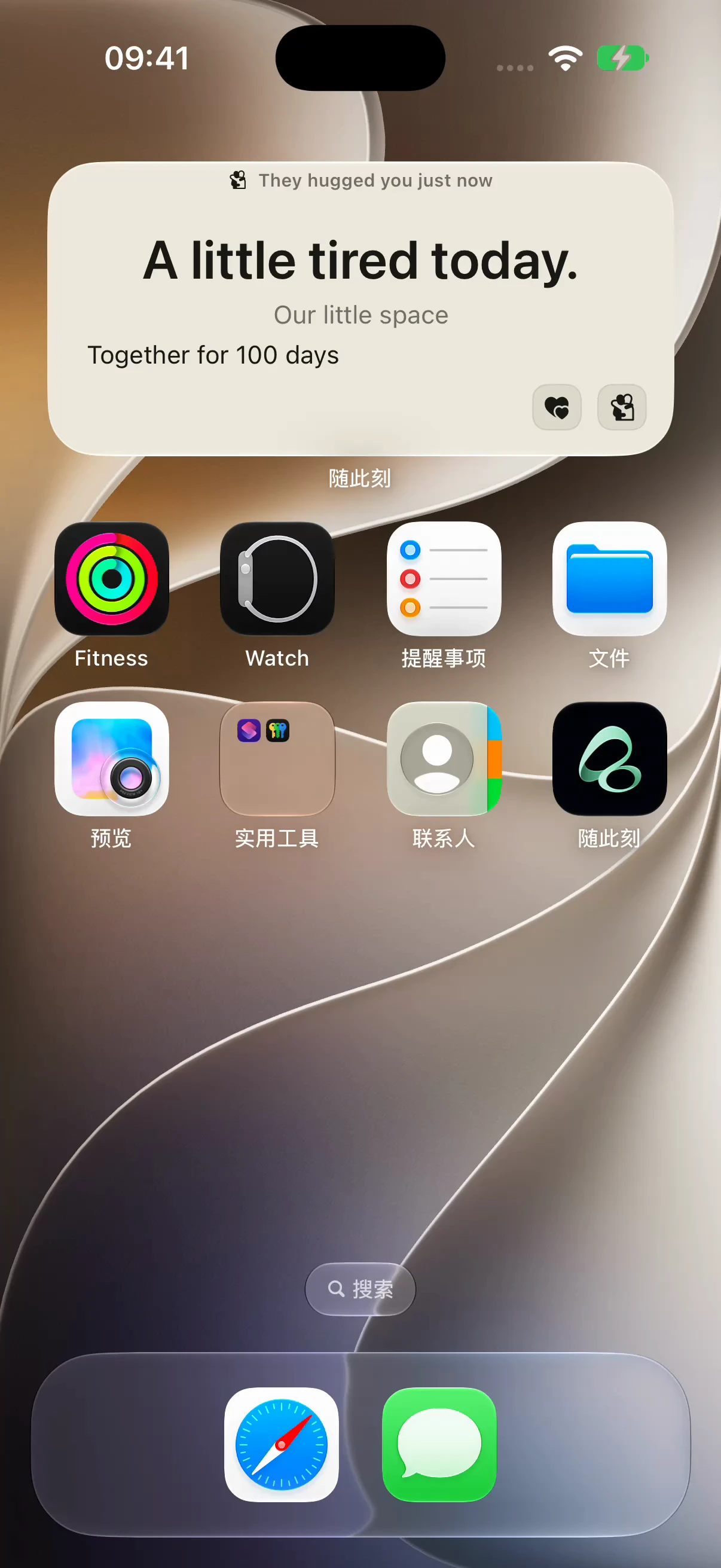
long-distance
Shared iPhone Widgets for Couples: A Note and a Hug
Share a daily mood note and send a Hug from an iPhone widget. A simple Flowment setup for couples in a long-distance relationship.
Read guide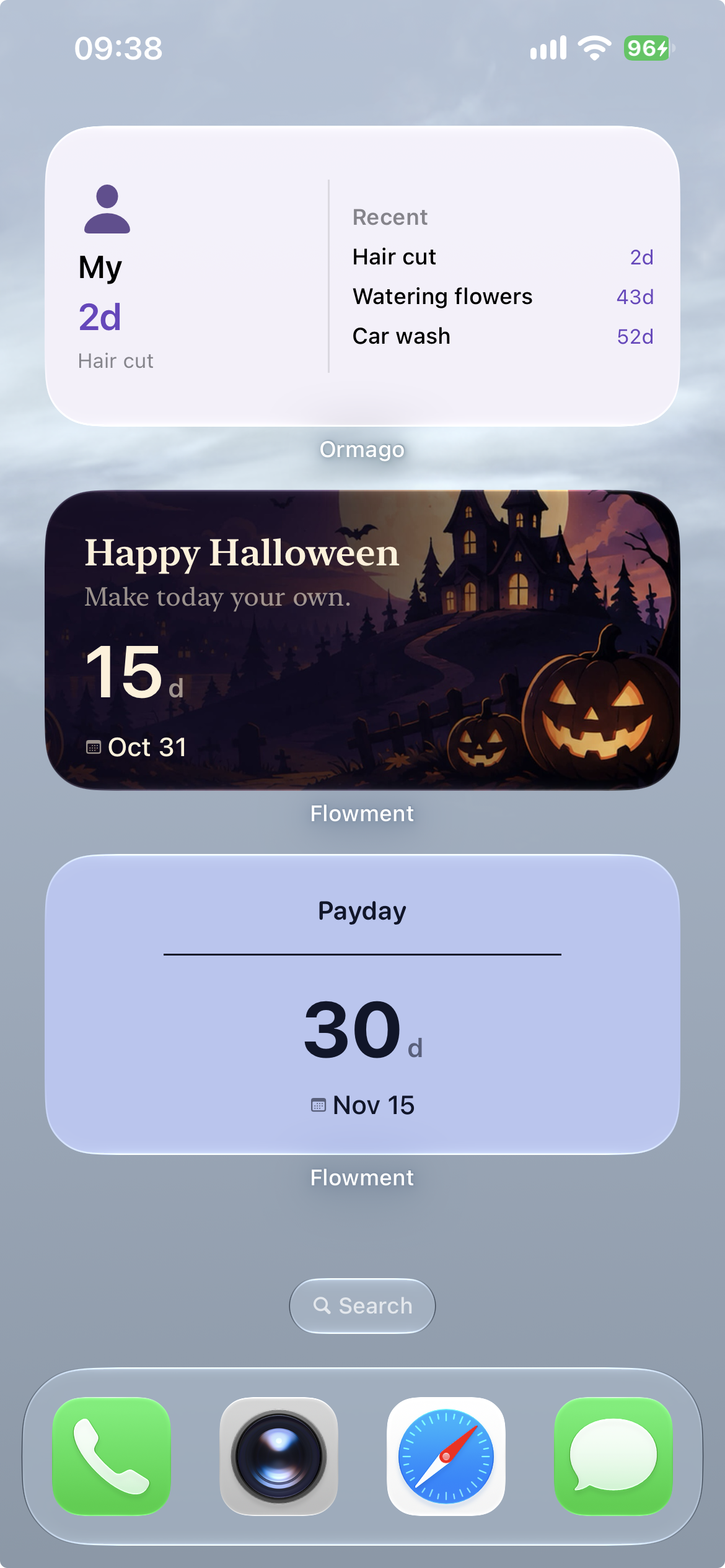
home-screen
Halloween iPhone Home Screen Ideas: A Countdown, Not Clutter
Build a Halloween iPhone Home Screen around one countdown widget. Pair spooky artwork with a calm wallpaper and keep everyday cards useful.
Read guide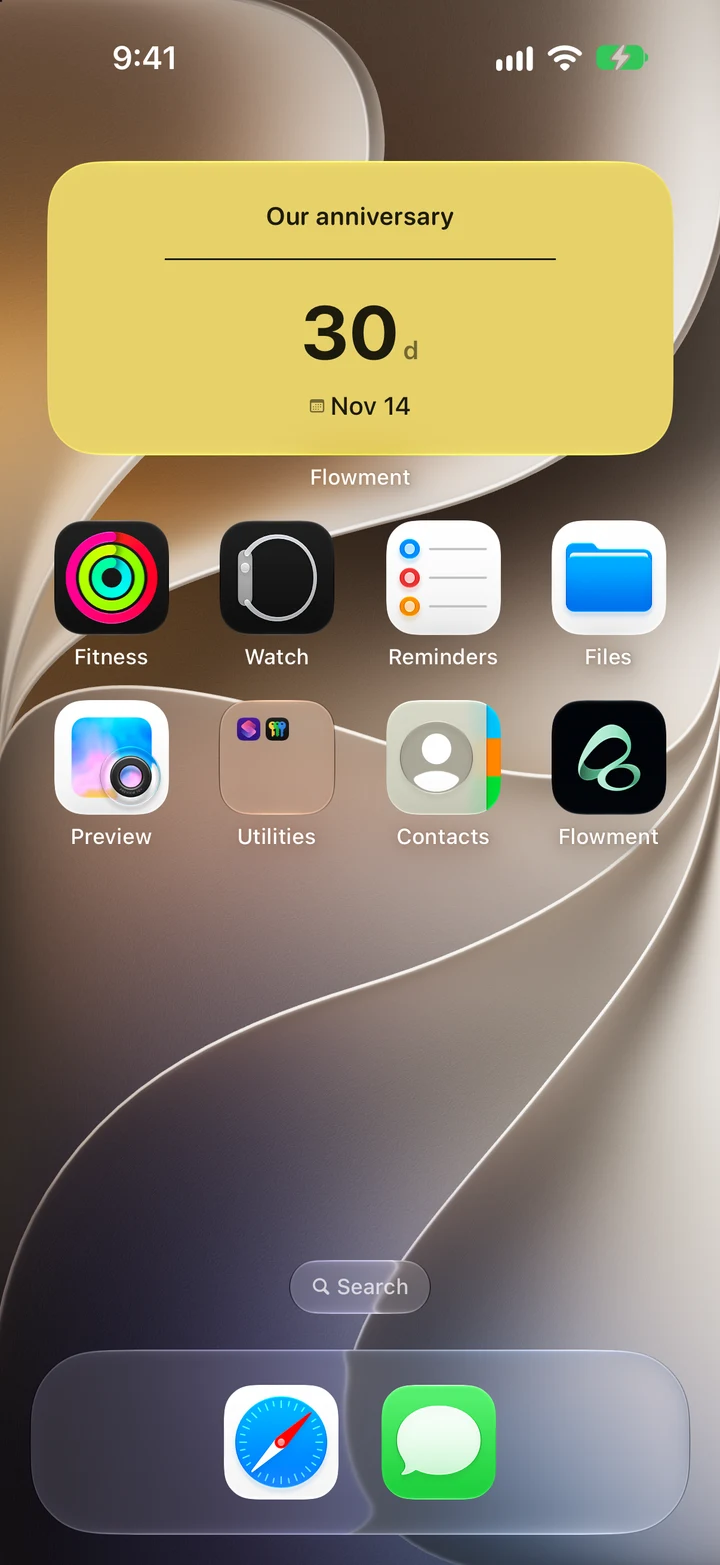
anniversary
Anniversary Countdown Widget for iPhone: Set Your Next Date
Set an anniversary countdown widget on your iPhone. Choose your next anniversary date, save a Flowment card and add it to your Home Screen.
Read guide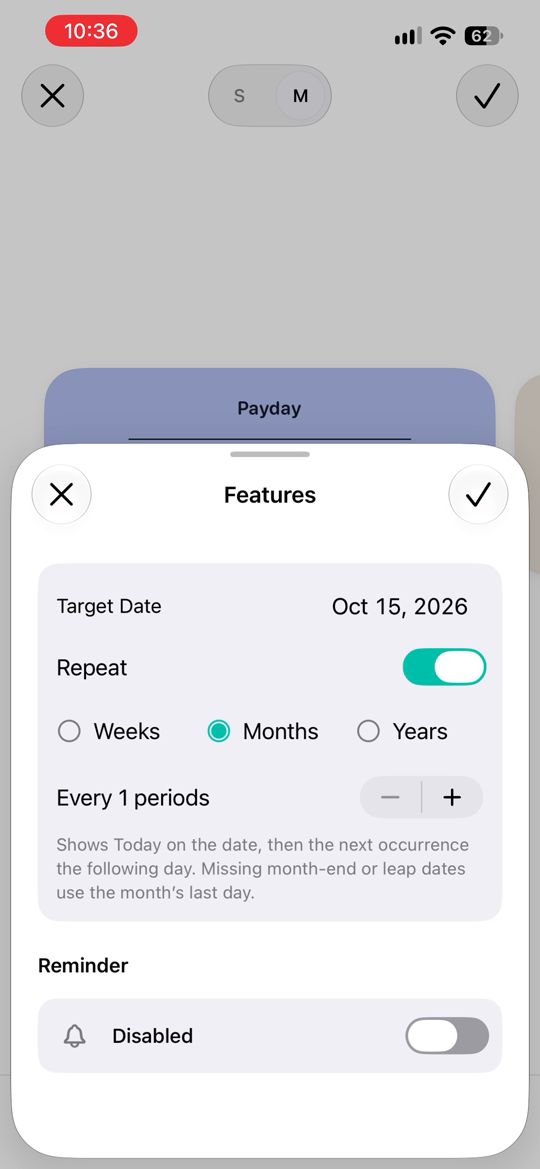
countdown
How to set a payday countdown widget on iPhone
Set a payday countdown on your iPhone Home Screen with Flowment. Repeat the date monthly, choose the right card, and understand rollover.
Read guide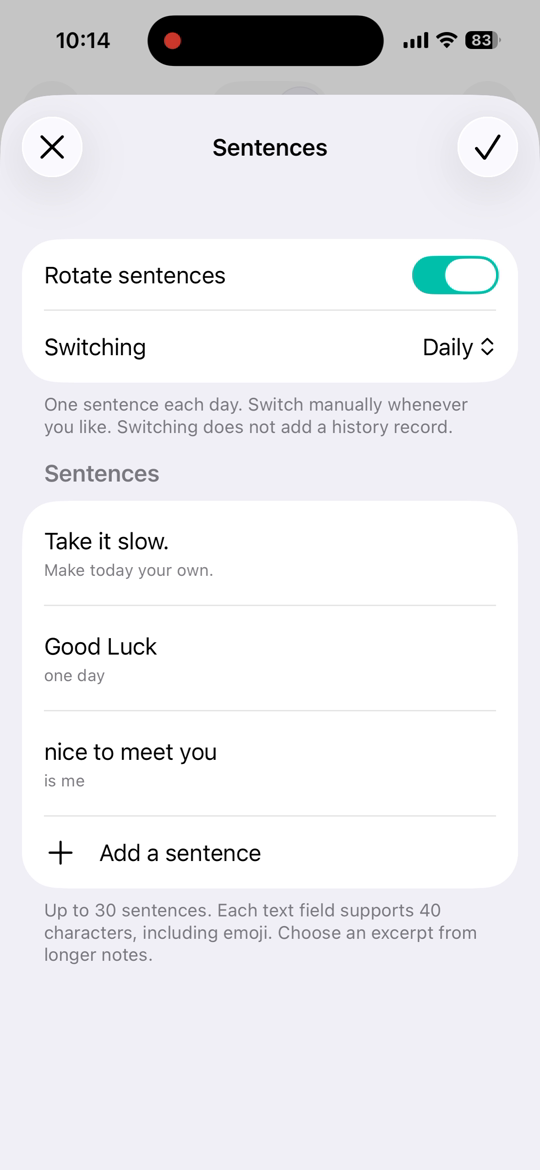
text-rotation
How to add a daily quote widget to your iPhone
Use your own words in an iPhone daily quote widget. Import Flowment Daily Words, save sentences, and choose daily or manual rotation.
Read guide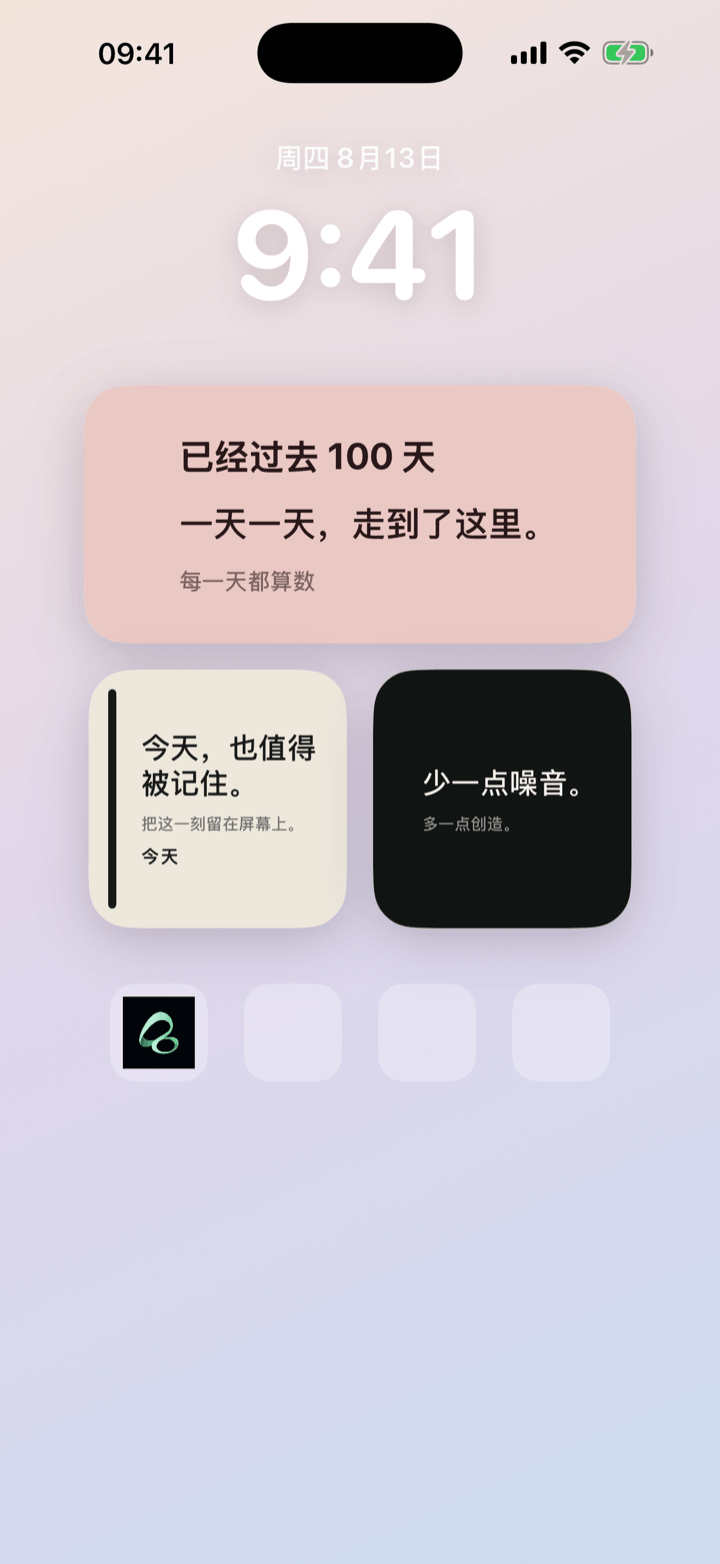
text-widget
How to Add a Custom Text Widget to Your iPhone Home Screen
Create a custom text card in Flowment, style it, and add it to your iPhone Home Screen as a widget in a few simple steps.
Read guide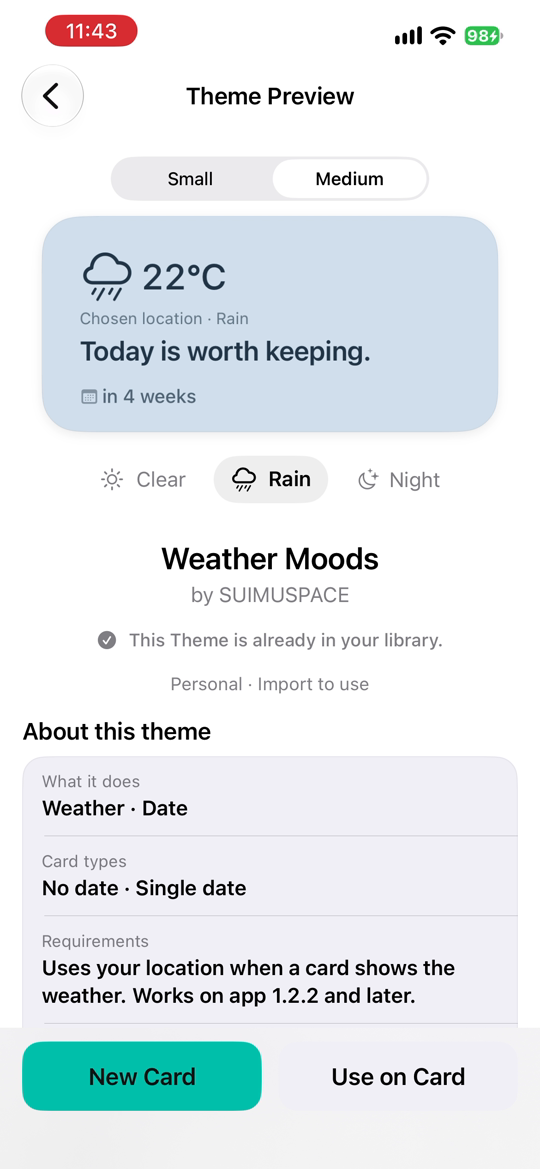
weather-widgets
An iPhone weather widget that changes colors: set up Weather Moods
Set up Flowment Weather Moods: an iPhone widget theme with weather-driven colors. Learn setup, sample previews, and troubleshooting.
Read guideAll guides
- An iPhone weather widget that changes colors: set up Weather Moods
- Anniversary Countdown Widget for iPhone: Set Your Next Date
- Best iPhone Home Screen widgets: countdown, days since, and custom text
- Couple anniversary widget: count up or down?
- Halloween iPhone Home Screen Ideas: A Countdown, Not Clutter
- How long have we been together? A relationship day counter widget
- How to add a birthday countdown widget to your iPhone
- How to Add a Custom Text Widget to Your iPhone Home Screen
- How to add a daily quote widget to your iPhone
- How to add a Days Together widget to your iPhone
- How to add a Halloween countdown widget to your iPhone
- How to add a next-meeting countdown widget to your iPhone
- How to add a vacation countdown widget to your iPhone
- How to Add a Widget to Your iPhone Home Screen
- How to Add Multiple Countdown Widgets on iPhone
- How to set a payday countdown widget on iPhone
- How to show days since a date on your iPhone Home Screen
- iPhone Home Screen cards: keep what matters in sight
- iPhone Text Widget Ideas: What to Put on Your Home Screen
- Location message widget: keep a note on your iPhone Home Screen
- Long-distance relationship countdown widget: until we meet again
- Long-distance relationship widget: more presence
- Shared iPhone Widgets for Couples: A Note and a Hug
- What is Flowment? iPhone text and time widgets