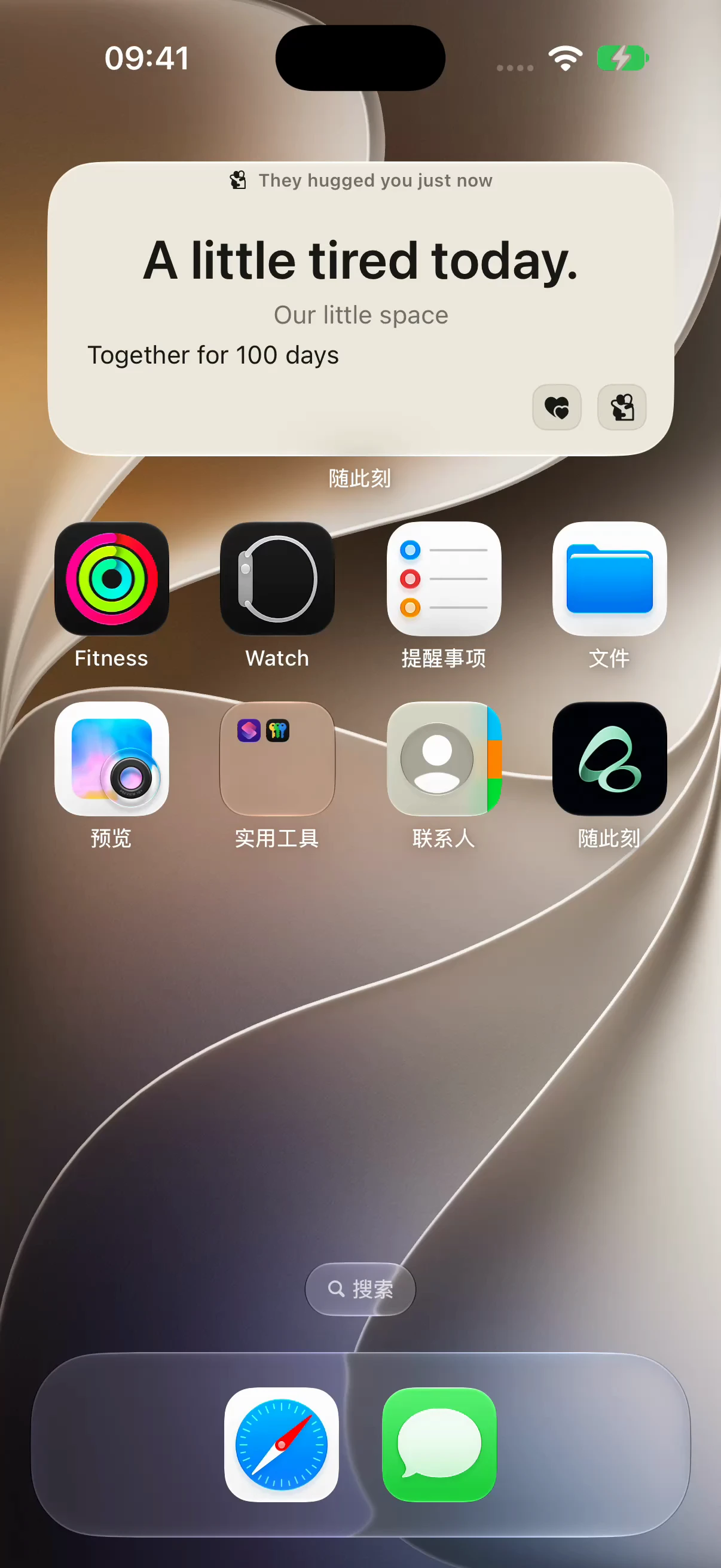
A shared habit tracker for couples can work with two different roles: one person checks in, and the other sends reminders or encouragement. Flowment calls this Companion Check-in. You can support a partner’s reading habit from another location without both doing the same activity.
The video starts with a familiar situation: a book is waiting, but reading can wait until tomorrow. A reminder gives the reader a nudge. After they read and check in, their partner sends encouragement. Both alerts are shown arriving on the other iPhone.
Watch the shared habit tracker video
One person checks in; the other cheers them on
A personal habit log tells you what you recorded. A companion check-in adds an accountability partner who can respond.
| Role | What they can do |
|---|---|
| Person doing the habit | Complete the activity and update today’s check-in |
| Companion | View the shared record and send Remind or Encourage |
The companion cannot check in on the other person’s behalf. This also differs from Flowment’s Last Time mode, where either person can record an occurrence such as watering a plant or feeding a pet.
Set up a shared reading habit on iPhone
- Open Flowment on both phones and join the same Duo Space.
- Add a Companion Check-in in that shared space, rather than a personal card or a Last Time record.
- Give the habit a specific name, such as Read, Walk or Study. Choose a theme that supports check-ins and save the card.
- Open the card and confirm the roles. The person doing the habit updates the check-in; the companion sees Remind and Encourage.
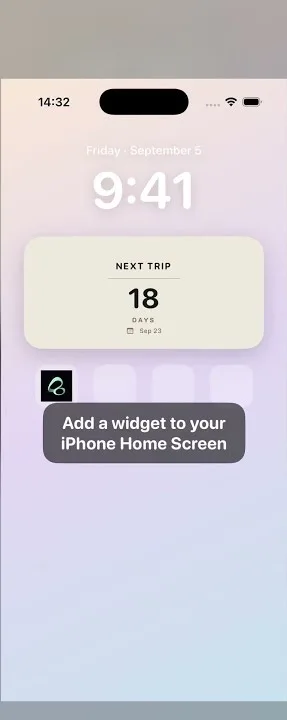
- To keep the habit on your Home Screen, add a Flowment widget and select this shared card. Follow the iPhone widget setup guide if you need help choosing its card.
First confirm the shared card in the app, then check the widget selection. A personal card or another shared card will show different information.
What a reminder and encouragement look like
Before the activity, send a reminder. In the recording, the receiving iPhone is on its Home Screen when a system banner arrives reminding the person to complete today’s check-in. This is the receiver’s actual notification, not only a “sent” message on the companion’s phone.
After the activity, check in. The reading example can be as small as one agreed page. The shared history shows a completed check-in. This is a manual record; Flowment does not detect how many pages someone read.
Then send encouragement. The companion sends a supportive response, and the reader’s iPhone receives another banner: their partner is cheering them on. Distance does not stop the other person from acknowledging a small effort.
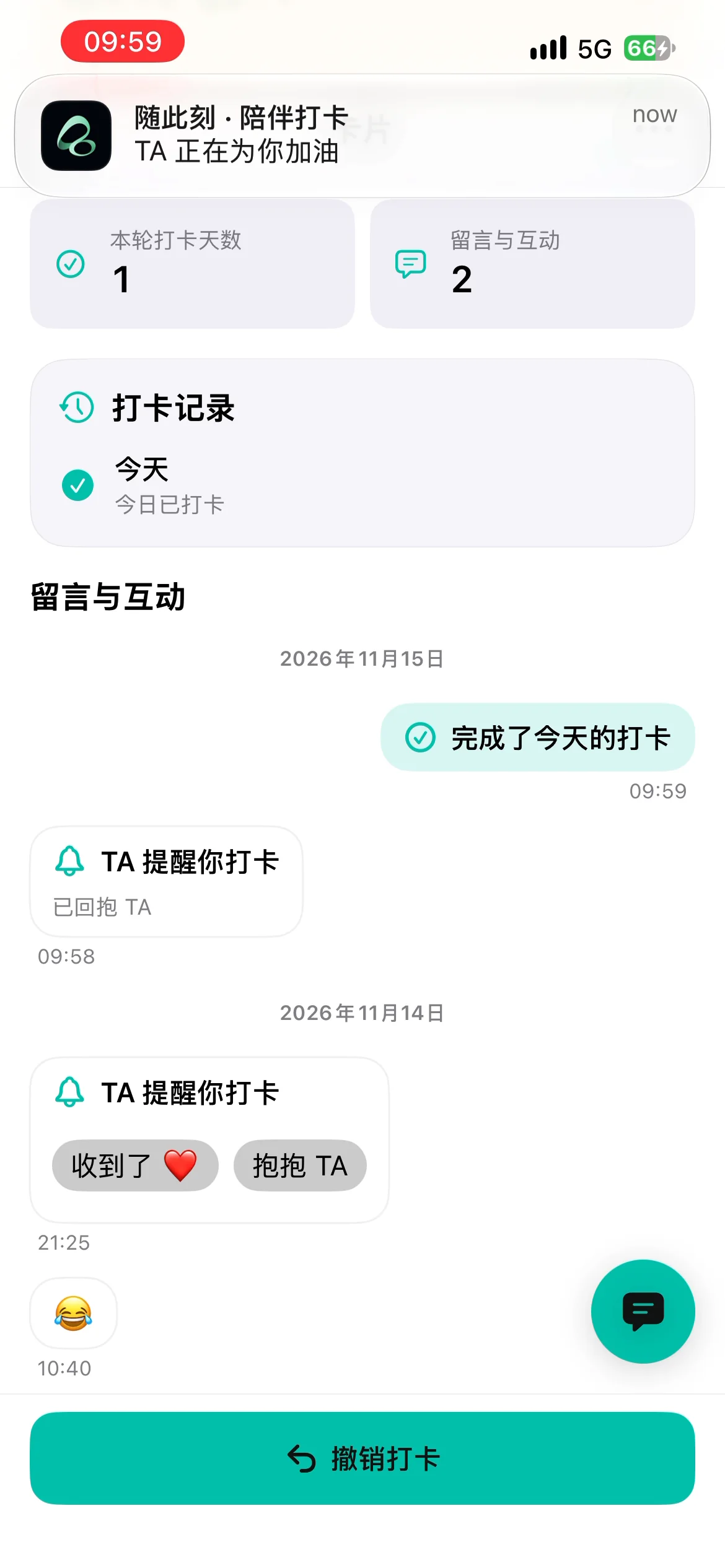
Screenshots retain the actual Chinese interface. The embedded video has English narration.
If the notification banner does not appear
- Confirm that both people are using the same Duo Space and companion check-in card.
- Check Flowment’s Duo interaction alerts and the notification permission and banner settings for Flowment on the receiving iPhone.
- Review Focus or notification-summary settings that may affect when alerts appear. See Apple’s notification settings guide.
- Open Flowment to inspect the saved state and interaction history, then check the widget. System notifications and widget refreshes are separate paths; they need not update at the same second.
Device settings and connectivity affect notification delivery. A real notification in this video does not promise instant delivery every time.
Questions before you start
Do both partners need to check in every day?
Not on this card. Companion Check-in has one person doing the habit and another offering reminders or encouragement. The goal does not need to be identical for both people.
Why is Remind unavailable after a check-in?
Once today’s check-in is complete, the reminder action is unavailable. The companion can still send encouragement. Repeated actions may also require waiting as directed by the app.
Can every widget send reminders and encouragement?
Use the actions actually provided by your selected theme. In this video, the sending actions happen in the app’s card detail; the Home Screen shows a received notification. It does not demonstrate those buttons on every widget.
What other habits fit this setup?
Try a short walk, stretching or language study. Agree on whether reminders are welcome and when they would help. A shared habit should feel like support rather than a daily obligation to prove something.
Start with one small goal in Flowment. For a different kind of connection, see shared iPhone widgets for a mood note and a Hug.
Keep the moment in sight