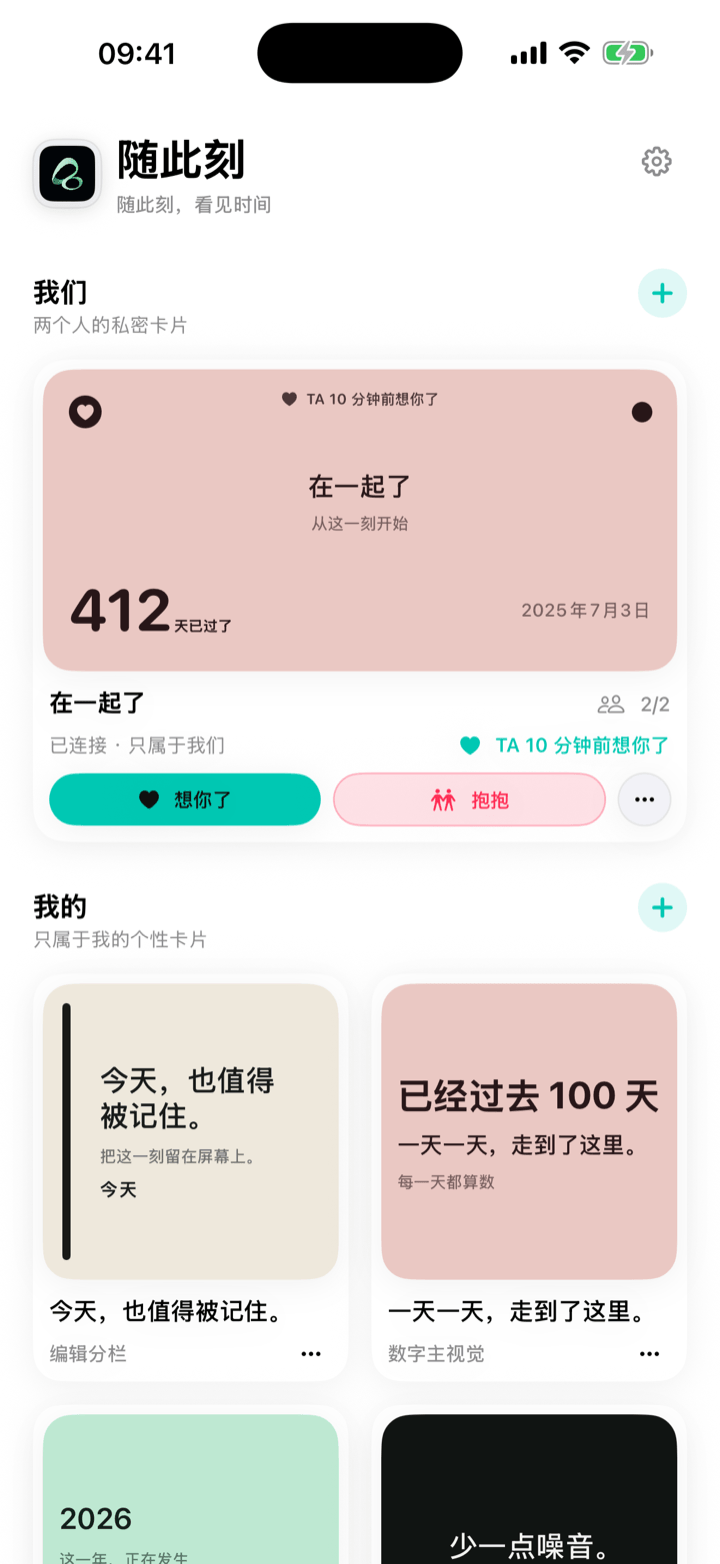
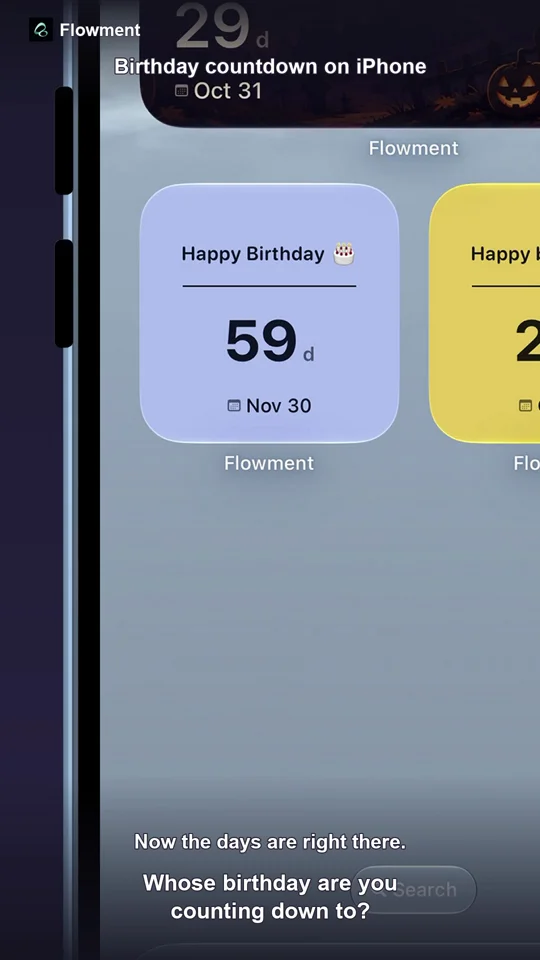
When the next visit is already planned, a countdown can make the distance feel more concrete. Create a Flowment card for the date you will meet again, then keep it on your iPhone Home Screen as a quiet reminder rather than another message to answer.
Watch the short video: Long Distance Relationship Countdown Widget
Make the next meeting visible
Choose the date of your next visit and give the card a simple name, such as Next meet or Until we meet again. The countdown turns one future date into a number you can notice whenever you unlock your phone.
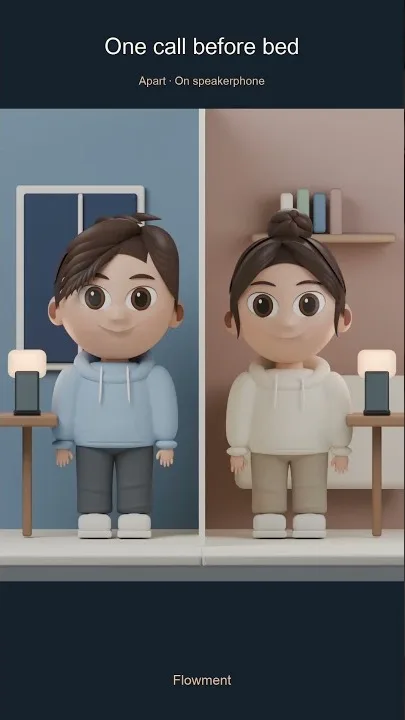
The video frames the idea around a short call before bed: two people are apart, but the same date can stay present in both of their days.
Create a long-distance countdown in Flowment
- Open Flowment and create a personal card, or start a shared moment if you both want to see it.
- Choose countdown as the time direction.
- Select the date of your next meeting or trip.
- Add one short line, such as “Next meet” or “See you soon”.
- Choose a style and save the card.
- Add Flowment to your iPhone Home Screen and select this card.
If the card is shared, invite the other person after creating it. A personal card is enough when you want the reminder to stay on your own phone.
Shared or personal: choose what feels right
A shared moment works when both people want the same date and card to stay in view. You can each add the shared card to your own Home Screen and update it together when plans change.
A personal card is better for a private reminder, a surprise, or a situation where the other person does not want another app. A countdown should support the relationship, not become a test of how often someone checks it.
Keep the countdown gentle
One clear date is usually enough. A short label such as “Next meet” leaves room for the feeling behind the number, while a long message can make a small widget harder to read.
If the plan changes, edit the date or make a new card. If there is no confirmed meeting yet, use a count-up or a simple text card instead of counting toward a date that is not real.
Flowment shared moments are private to the people who join them; they are not a public couple profile or a live-location feed. For more ideas about low-pressure connection, read Long-distance relationship widget: more presence. To compare a visit countdown with an anniversary or days-together card, see Couple anniversary widget: count up or down?.
Keep the moment in sight