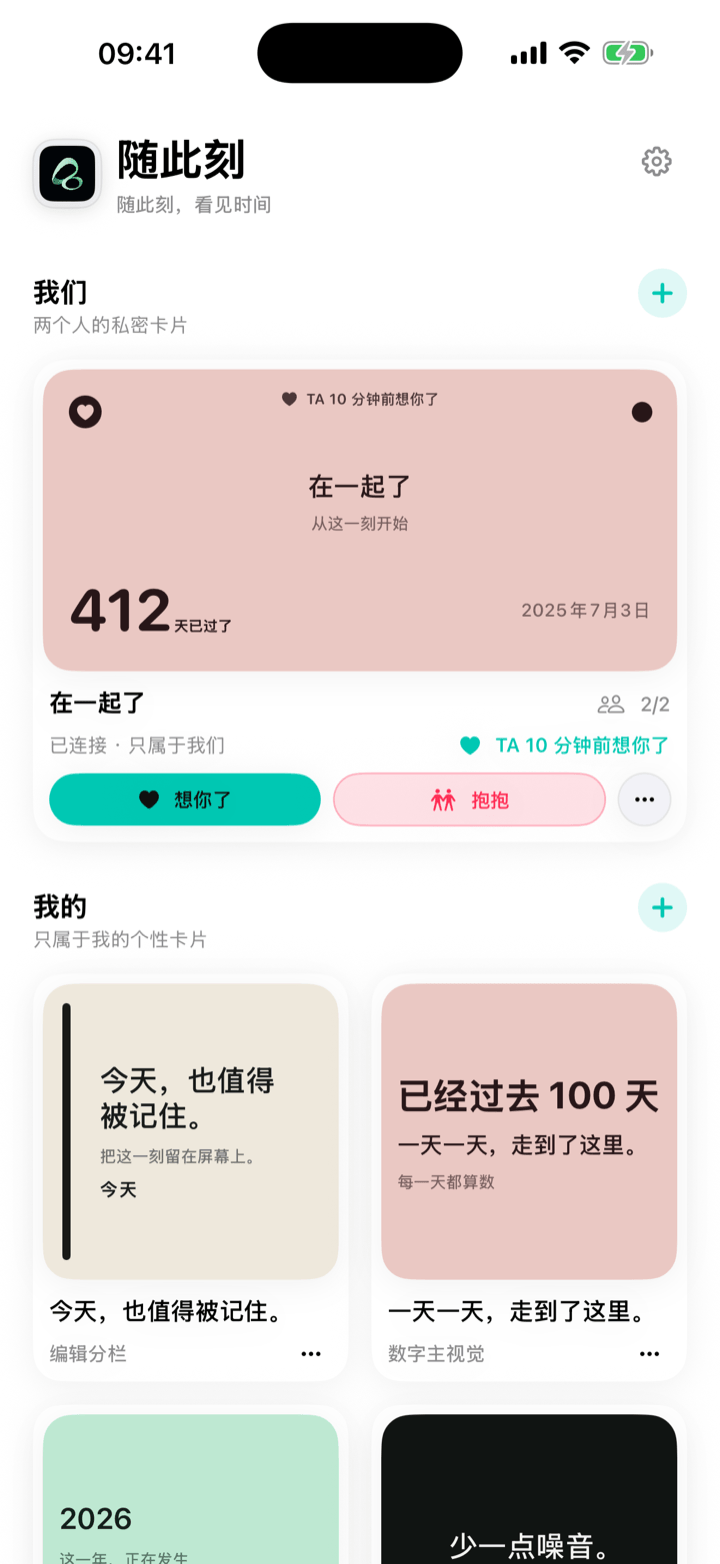
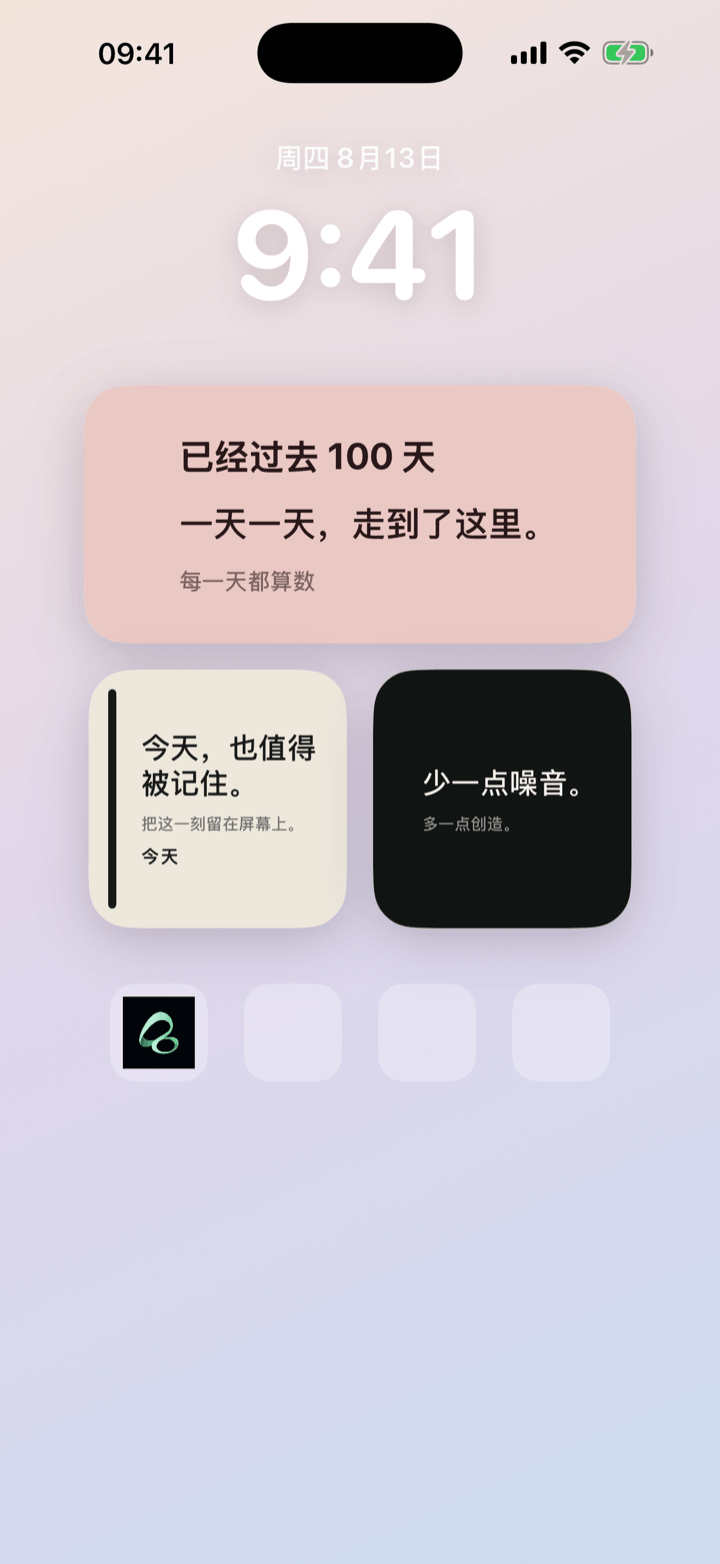
One shared card, two iPhone Home Screens. Keep your next visit in sight, then send a small Hug when you miss each other. It can be a gesture, not the start of another conversation.
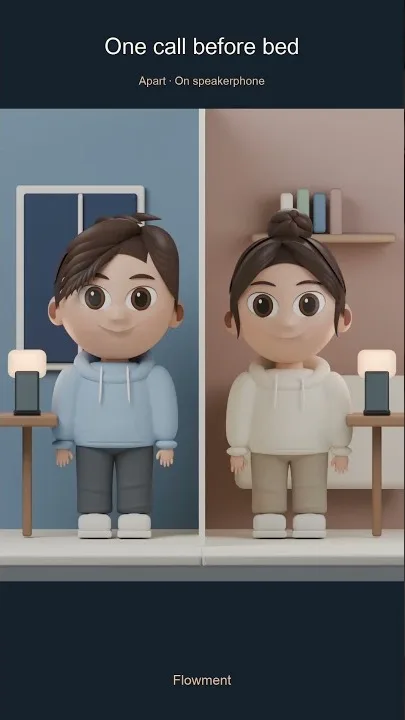
Watch the short video: Miss You, No Rush to Reply
Presence does not mean being online all the time
Messages can carry a lot, but constant availability can also create pressure. A Home Screen widget offers another kind of connection: you can see that a shared moment is getting closer without opening a chat or checking a status.
It works best for stable, low-frequency information:
- days until the next visit;
- time since the first meeting; or
- one line you both chose.
Set up a shared widget for long-distance life
- Choose a date you both genuinely look forward to, such as a visit or trip.
- Create a shared moment in Flowment under Us and choose a countdown.
- Keep the line short: “See you soon” or “Getting closer”.
- Send the invite link or QR code. Once the other person joins, the card is visible only to the two of you.
- Add Flowment to both iPhone Home Screens and select the same shared moment.
If there is no firm visit date yet, use a count-up to record the time you have already shared. Switch to a countdown once a date is real.
If you want to see the two-screen setup first, watch the shared-card example.
How to send a Hug without asking for a reply
Picture a late night in two different time zones. You want to reach out, but you do not need your partner to stop what they are doing. Open your shared moment in Flowment and tap Hug. Your partner can see the gesture in their app and on their shared Home Screen widget; widget updates may take time depending on iOS and the network.
The brief signal fades, but the action is also recorded in your shared history. The app shows a recent-history preview; access to older history depends on the current plan. A Hug is therefore more than a disappearing animation, without turning the card into a chat thread.
Miss you works for the same kind of moment. Agree on what either signal means to you: “I thought of you,” not “you must reply now.” That boundary makes the widget feel like company instead of another notification task.
Set boundaries before sharing
Flowment does not read device GPS or provide live location tracking. Shared cards are visible only to two people, with no public feed, leaderboard, or stranger interaction.
Ending a shared moment starts a cooling-off period. If both people want to continue, they can restore it together; after it ends, each person decides whether to keep a personal memorial card. Reports and block-and-end controls are available for unsuitable content.
If the other person does not want to install an app, display a relationship card, or maintain a shared space, do not treat the widget as proof of closeness. The tool should fit the relationship.
Keep the moment in sight