Want to see how many days you have lived in your new home? In Flowment, save your move-in date as a date card, choose a theme that displays elapsed days, and select that card in an iPhone Home Screen widget. Use a date in the past for a count-up, rather than a future moving-day countdown.
Watch the move-in count-up tutorial
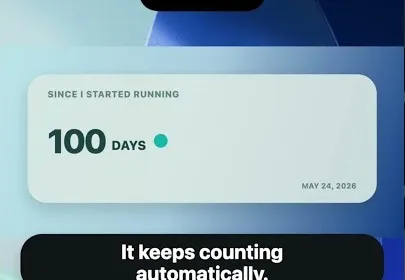
The cover reuses the video’s AI-generated scene illustration. It is not an app screenshot; the tutorial contains the actual app recording.
Which date should your new-home counter start from?
Getting the keys, moving the boxes and sleeping in your new place may happen on different days. Choose the date that answers the question you want to see on your phone:
| What you want to remember | Starting date | Suggested card title |
|---|---|---|
| How long you have lived here | Your actual move-in day | Moved in |
| How long since getting access | The day you received the keys | Got the keys |
| A personal new-home milestone | Your first night in the home | First night here |
These are naming suggestions, not special app modes. Flowment calculates from the date you choose; it does not detect a move or verify your residence. You do not need to put your street address in the title.
Set up the move-in count-up
- Open Flowment and create a personal date card. Name it Moved in or Our new home so you can recognize it later.
- Choose the actual starting date, including the year. For a continuous count since moving in, keep the original date rather than configuring an annual recurrence.
- Choose a theme that shows elapsed days. Check the date and count in the preview, then save the card.
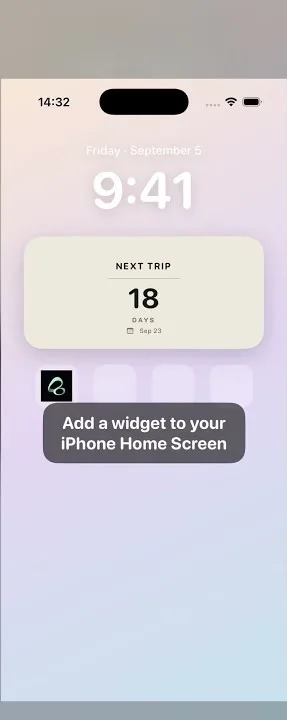
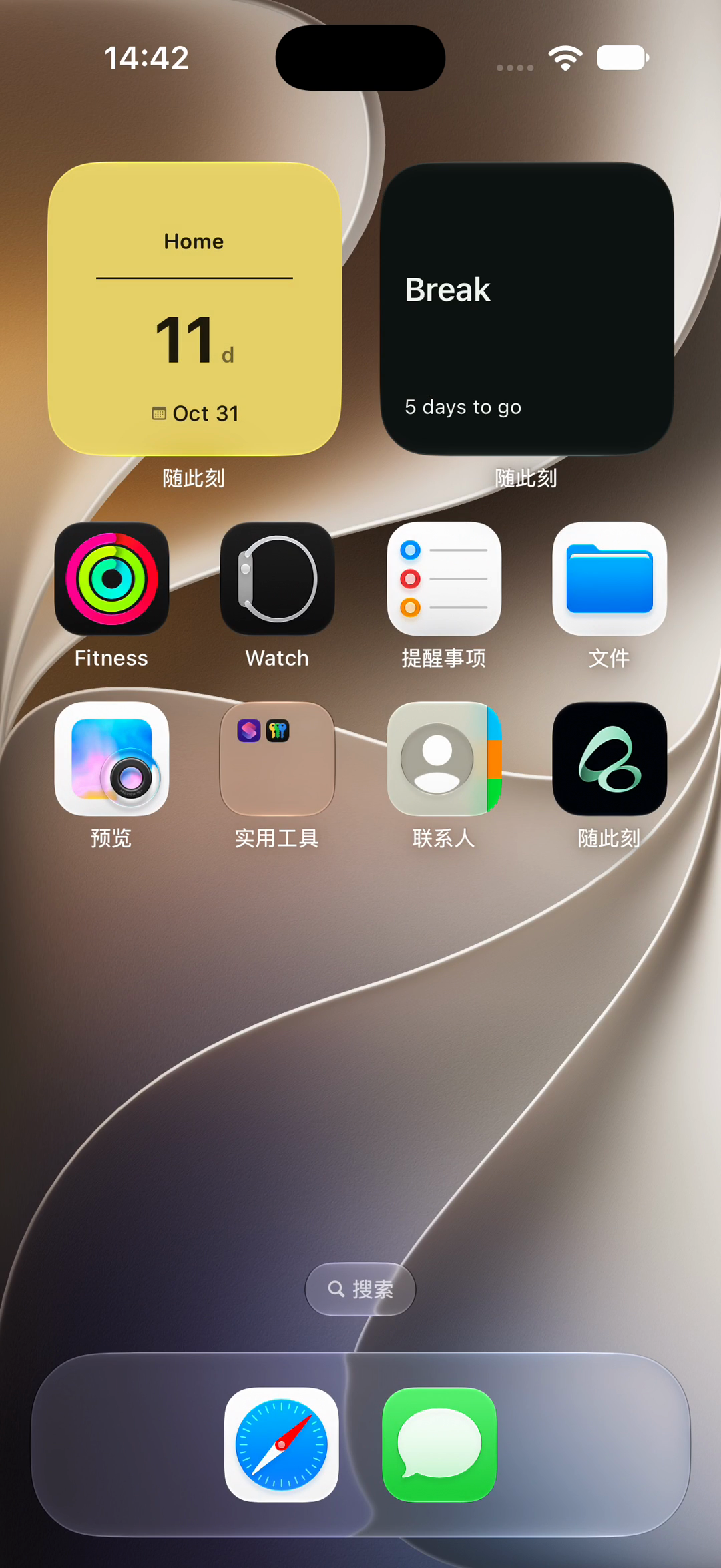
- Touch and hold your existing Flowment Home Screen widget, choose Edit Widget, open the Card selector and select the saved move-in card.
- Return to the Home Screen and check the title as well as the number.
The recording edits an existing widget. If you are starting without one, follow how to add a Flowment widget first. Saving a new card in the app does not automatically replace the card selected by another widget.
Does “93 days since” mean the 93rd day at home?
Not quite. Elapsed days and an inclusive day number use different starting points. On the same calendar date, zero days have elapsed; calling it “day one” includes the starting day.
The archived recording uses July 20, 2026 as its starting date and October 21, 2026 as the recording date: a difference of 93 days. If you count July 20 as day one, October 21 is the 94th calendar day. The video shows an elapsed count, not that inclusive day number.
Use your real move-in date rather than shifting it just to match the example. The 93-day cover is a fixed illustration, not a live counter.
Residence duration and a home anniversary are different goals
“Days since we moved in” keeps measuring from the original date. “Days until our next home anniversary” points toward a future milestone.
For this move-in widget, leave the original past date in place. If you want a separate anniversary countdown, create another card with the future date you want to celebrate. Do not replace the starting date of your residence counter merely to create that countdown.
If both matter, use separate widgets with different cards. Give them unambiguous names such as Moved in and Home anniversary so that two numbers on the same screen do not become confusing.
What if the number or event looks wrong?
- The number seems too large: check that you selected your move-in year, not just the correct month and day.
- It counts down instead of up: check for a future date and confirm that the chosen theme shows elapsed days.
- It shows another event: edit the widget and select your move-in card. Editing or saving a card does not select it for every widget.
- The app is correct but the Home Screen has not updated: verify the selection and allow iOS time to refresh. Instant updates are not guaranteed.
For a general explanation that applies beyond moving home, see the days-since-a-date widget guide.
Start with one meaningful date and a clear title. Your Home Screen can remind you how far you have come since that first night, even if a few boxes are still waiting to be unpacked.
Keep the moment in sight