/ field notes
Guides · Page 2
Put the moments that matter where you can see them every day—start with a card.
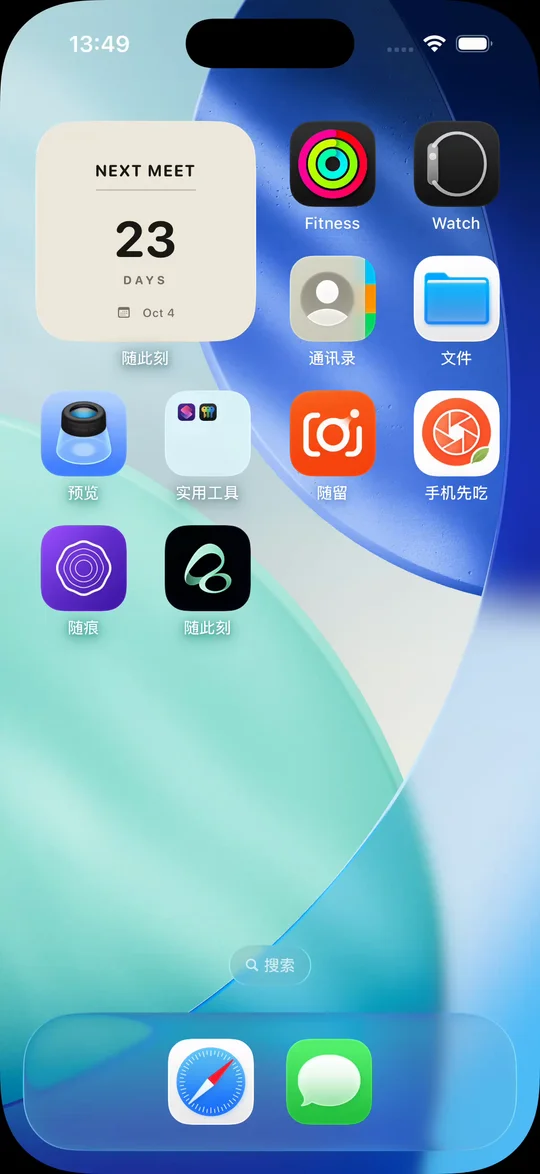
long-distance
How to add a next-meeting countdown widget to your iPhone
Count down to your next reunion on your iPhone Home Screen with Flowment. Choose a meeting date, select your card, and adjust changed plans.
Read guide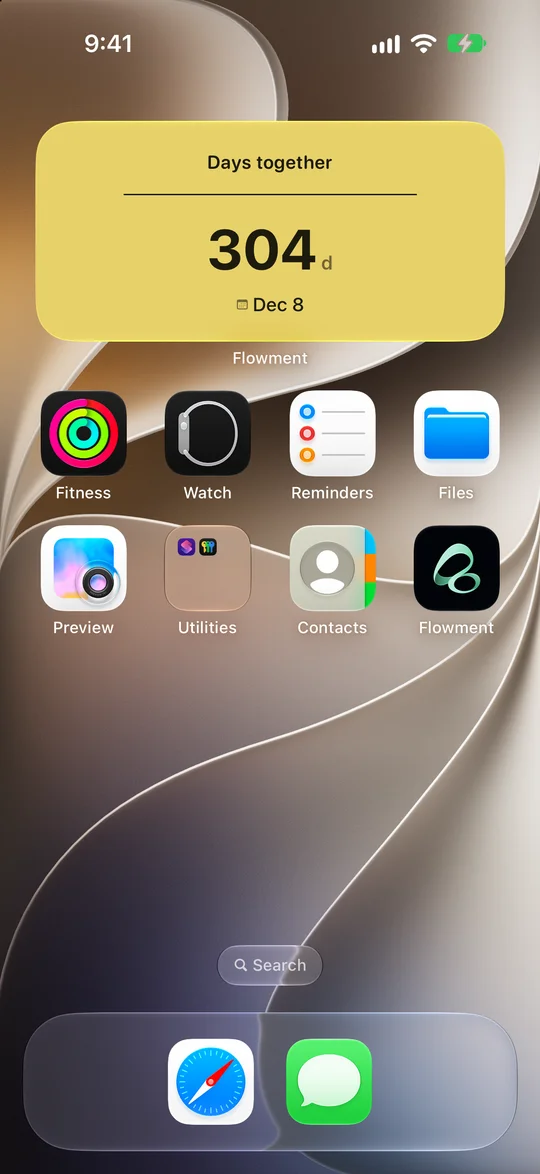
relationship-days
How to add a Days Together widget to your iPhone
Create a Days Together widget in Flowment: set your relationship start date, save the card, and select it on your iPhone Home Screen.
Read guide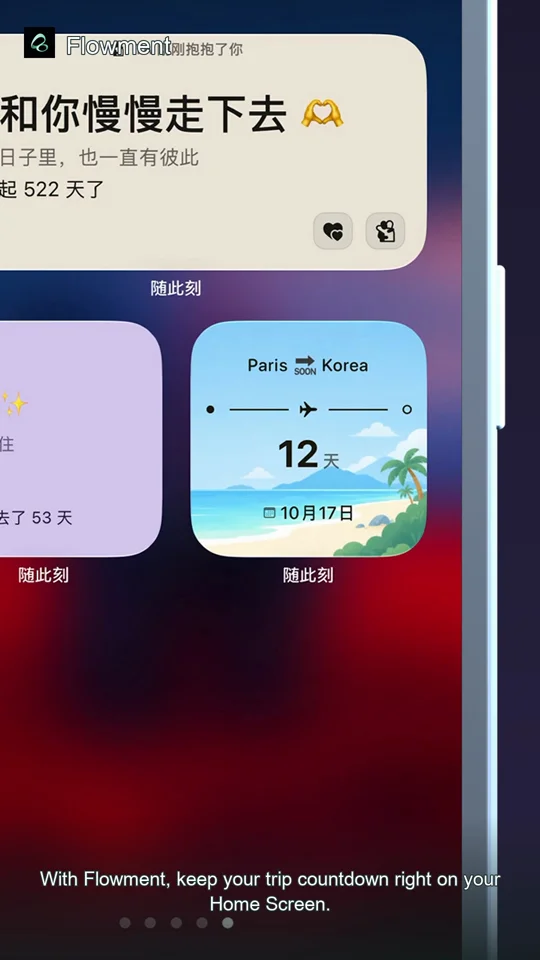
countdown
How to add a vacation countdown widget to your iPhone
Keep the days until your trip on your iPhone Home Screen with Flowment. Choose a departure date and check your widget after plans change.
Read guide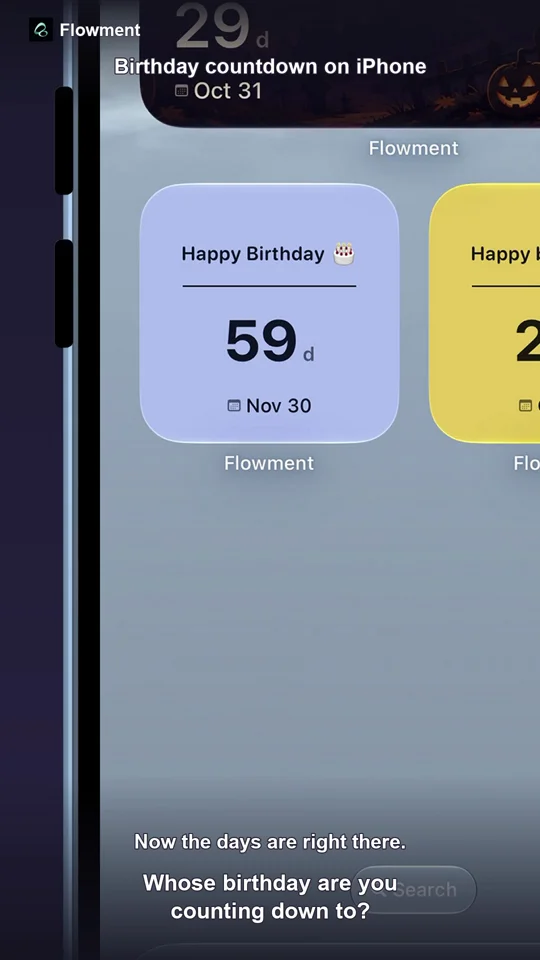
countdown
How to add a birthday countdown widget to your iPhone
Set up a birthday countdown in Flowment, choose the next birthday date, and show the days remaining on your iPhone Home Screen.
Read guide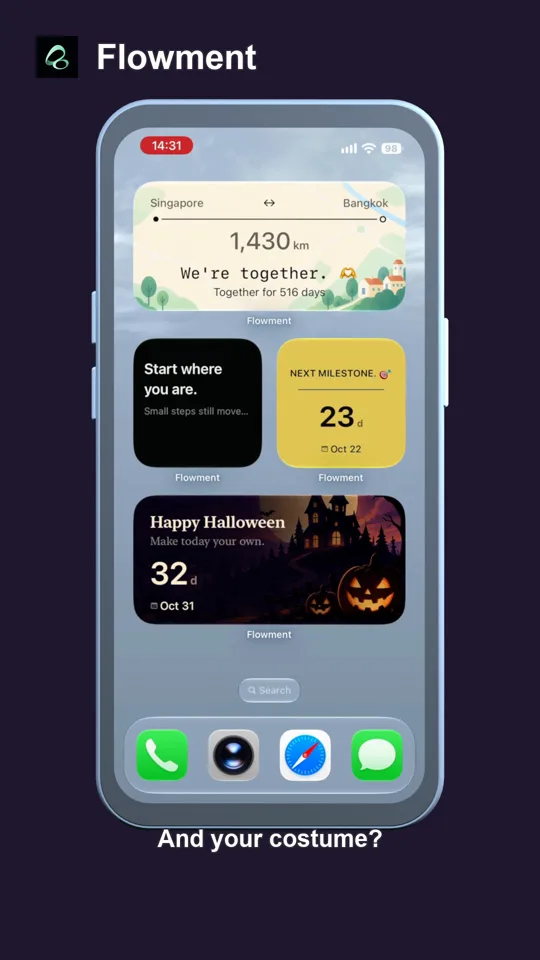
countdown
How to add a Halloween countdown widget to your iPhone
Set an October 31 countdown in Flowment, choose the Halloween Moonlight theme, and add the finished widget to your iPhone Home Screen.
Read guide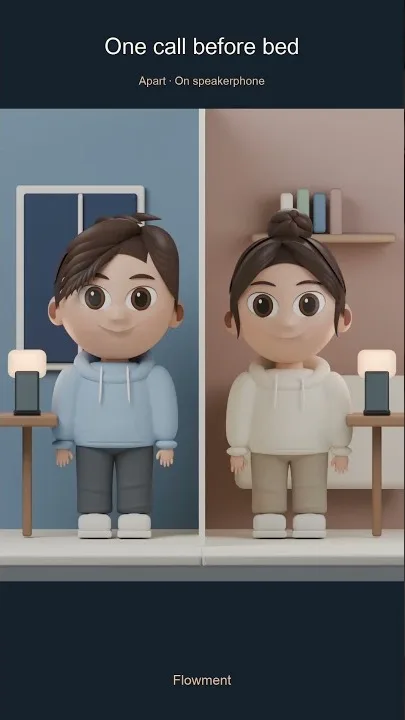
long-distance
Long-distance relationship widget: more presence
Share one Flowment card across two iPhone Home Screens, with a countdown and gentle Miss you or Hug signals for long-distance relationships.
Read guidelong-distance
Long-distance relationship countdown widget: until we meet again
Keep your next meeting visible with a long-distance relationship countdown widget on iPhone, made for a small daily reminder.
Read guide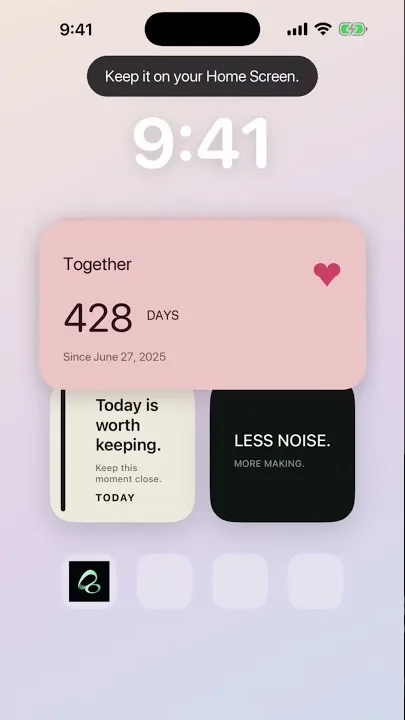
anniversary
How long have we been together? A relationship day counter widget
Make a relationship day counter widget for iPhone: choose your start date, count days together, and keep the moment on your Home Screen.
Read guide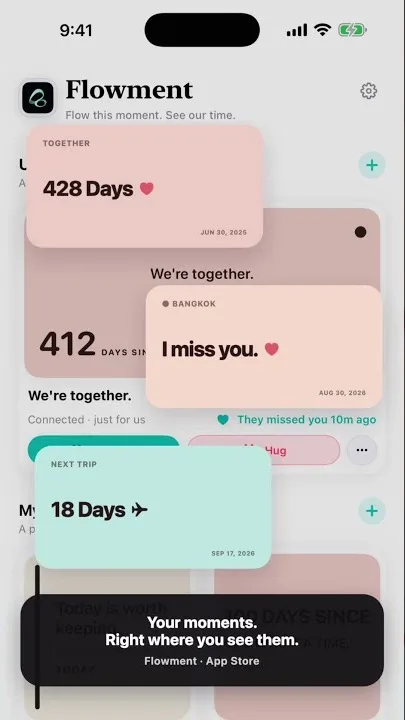
home-screen
Best iPhone Home Screen widgets: countdown, days since, and custom text
Three useful iPhone Home Screen widgets in one place—countdowns, days since a date, and custom text—with Flowment.
Read guide